Dynabot Software
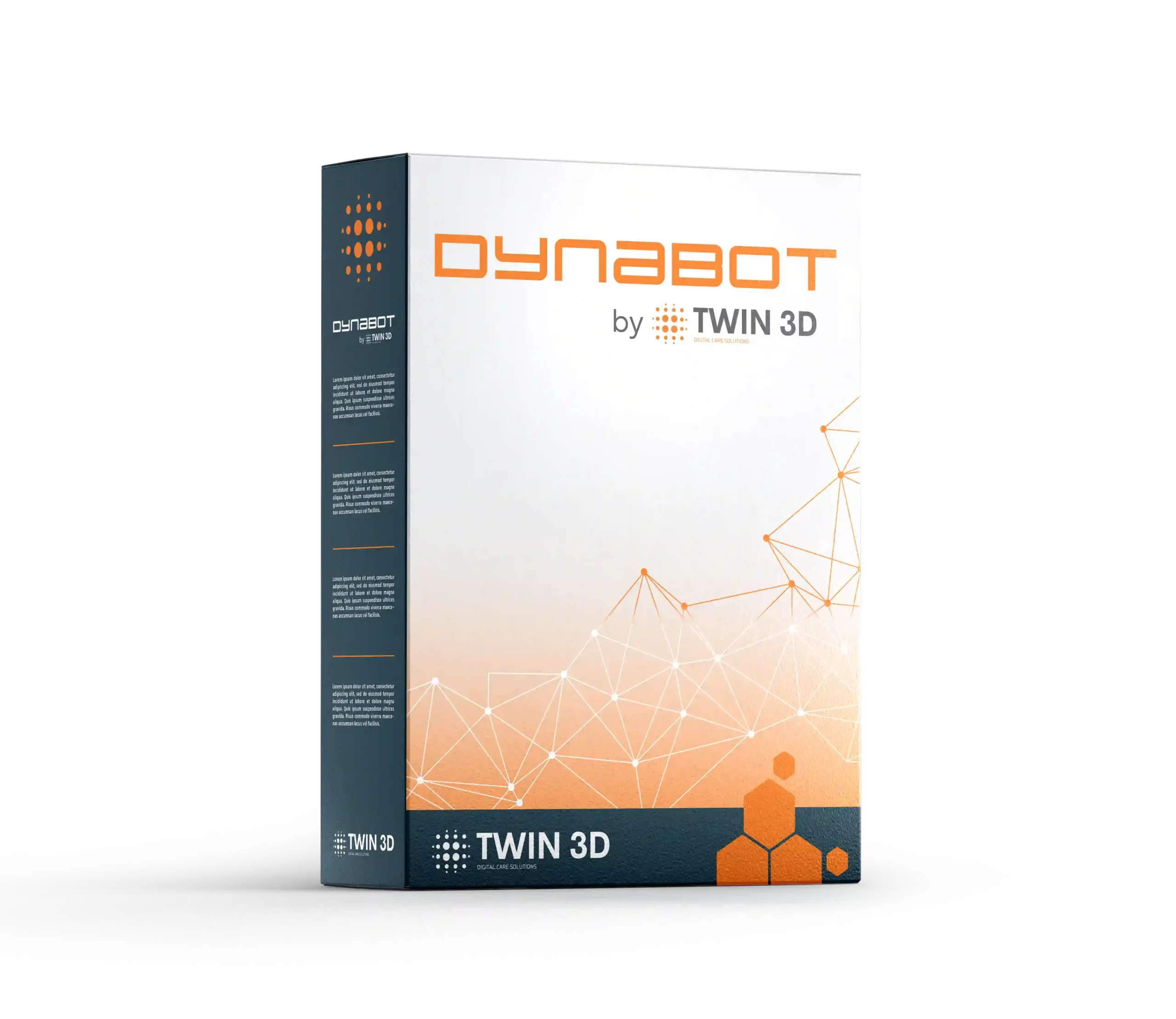
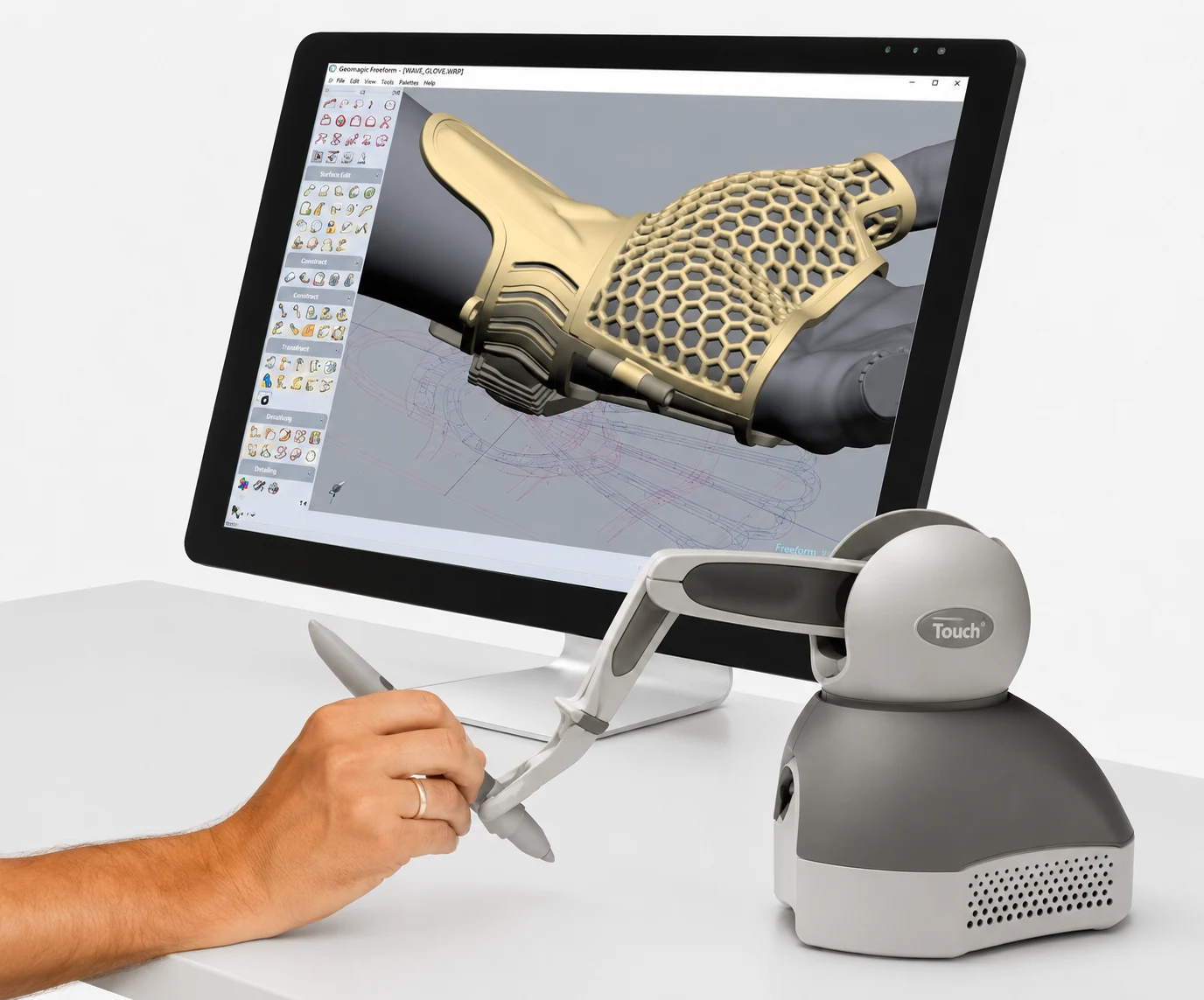
Dynabot is a specialist plugin developed by TWIN 3D that automates and guides the design of patient-specific devices in Geomagic Freeform. With productivity gains of 35 to 65%, it safeguards in-house expertise and standardises quality regardless of the operator.
- Tailor-made automation plugin for your specific business processes.
- Contextual step-by-step guidance with intuitive pop-ups (text, images, videos).
- Automation of parametric operations — human intervention limited to critical decisions.
- Productivity gain: 35 to 65% reduction in design time.
- Safeguarded expertise: codified know-how that can be transferred independently of individual staff.
- Standardised quality: guaranteed consistency regardless of the operator.
Dynabot is a professional plugin developed specifically for you by TWIN 3D for Geomagic Freeform. Unlike generic tools, Dynabot faithfully reproduces the way you design, your processes and the way you pass on knowledge internally.
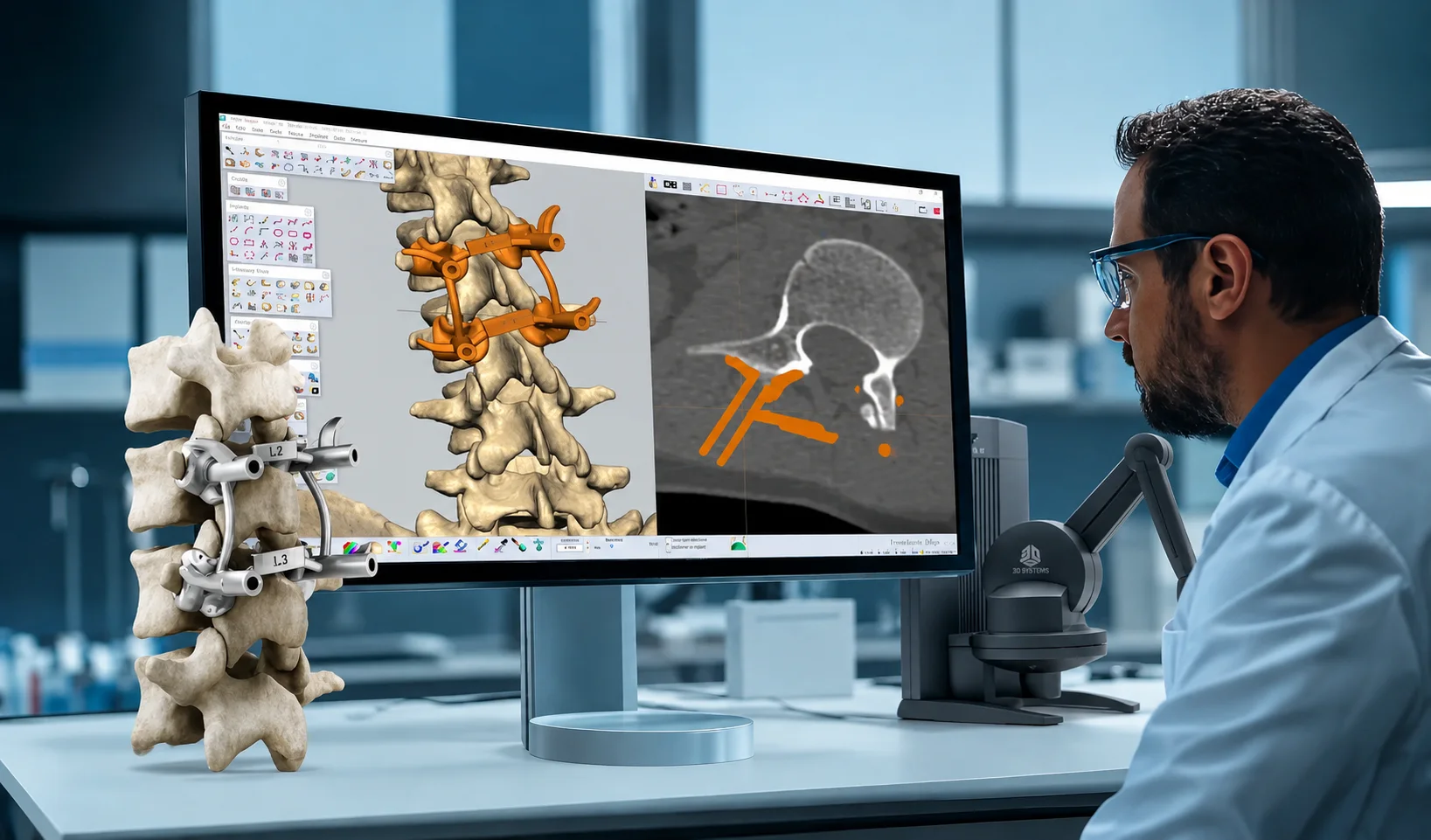
It is built on two pillars: contextual guidance (pop-ups with instructions, images and the right tools) and parametric automation (automatic execution of operations between human interventions).
With Dynabot, your workflow becomes precise, repeatable and accessible to all levels of technical skill.
Features
| Features | Description |
| Type | CAD automation plugin integrated into Geomagic Freeform |
| Fields of application | Healthcare, medical, patient-specific devices, orthopaedics, surgery |
| Development | Tailor-made by TWIN 3D according to the client’s process |
| Compatible formats | Import: OBJ, STL, IGES, STEP, CAD formats – Export: STL, PLY, IGES, STEP |
| Host platform | Geomagic Freeform |
| Interface | Contextual pop-ups, step-by-step guidance, native access to Freeform tools |
| Key functionalities | Contextual guidance, parametric automation, built-in validation, traceability |
| Integration | Seamless with Geomagic Freeform (haptic feedback, multi-format exports) |
| Compliance | Traceability and documentation suited to ISO, FDA and medical certifications |
- Automation of parametric operations (calculations, optimisations, validations).
- Contextual step-by-step guidance with instructions, images and videos.
Built-in automatic validation of constraints and quality criteria. - Complete history and traceability for regulatory documentation.
- Seamless integration with Geomagic Freeform (haptic tools, organic modelling, exports).
- Deep customisation to your field: Dynabot reproduces your own unique way of designing.

Medical applications

Surgery and preoperative planning
surgical guides, bone reduction planning.

Orthopaedics and prosthetics
custom orthoses, dental prostheses, medical devices and appliances.

ENT and maxillofacial
bone reconstructions, custom implants, surgical guides.

Cardiology and vascular
modelling of cardiac malformations, cardiac and vascular medical devices.
Neurosurgery
resection planning, computer-assisted surgical navigation.

Research and education
surgical training, rapid prototyping of devices.
How do you use Dynabot?
-
1
Import of reference files: segmented patient anatomy (see our Simpleware page), 3D scans, CAD models, etc.
-
2
Guided and automated CAD design: intervention at critical points, automation of the rest.
-
3
Refinement and validation: automatic verification of quality criteria, adjustments if necessary.
-
4
Manufacturing preparation: automatic export for 3D printing and milling, regulatory documentation.
Twin 3D supports you
- Analysis and design: full audit of processes, identification of automation opportunities.
- Development and integration: development of the tailor-made plugin, testing and validation.
- Training and deployment: operator training, internal documentation, support.
- Technical support and evolution: specialist support, performance monitoring, continuous improvements.
Reviews and user feedback
Users appreciate the immediate time savings and the disappearance of repetitive tasks. New operators save several months of training — they become operational in just a few weeks. The consistency of results reduces rejects and rework in manufacturing. Finally, the complete history simplifies regulatory audits and compliance documentation.
FAQ
Yes. Each Dynabot is custom-developed from the client’s actual processes. It integrates natively into Geomagic Freeform without altering the existing organisation or business logic.
Yes. Every step is automatically recorded and time-stamped. The exact script executed for each design directly simplifies the preparation of regulatory documentation and audit readiness.
No. Step-by-step contextual guidance and parametric automation enable a new operator to become operational within a few weeks, compared with 12 to 18 months with traditional training.
The know-how stays within the organisation. Dynabot codifies professional expertise within the process — it is no longer held by an individual but built in and immediately transferable.