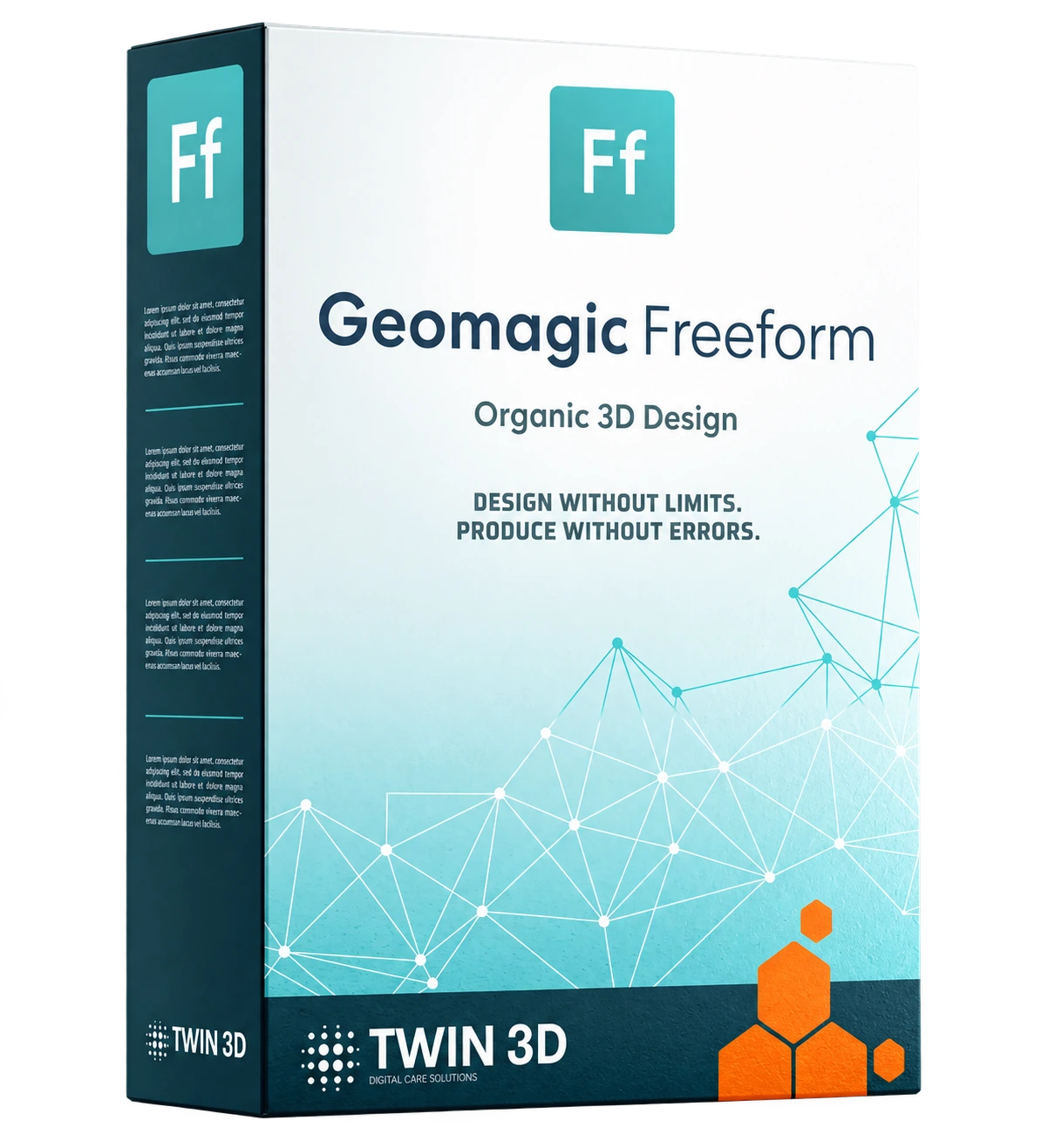
Geomagic Freeform Software
Geomagic Freeform software combines the precision of CAD with the freedom of digital sculpting to create complex, organic 3D models. Designed for designers, engineers and healthcare professionals, it offers an intuitive approach to modelling thanks to a clear visual interface and compatibility with haptic devices.
- 3D force feedback offering realistic interaction with the material.
- Advanced digital clay modelling for handling complex, organic shapes.
- Unrivalled precision for creating detailed, high-quality surfaces.
Complete “all-in-one” solution covering scan clean-up, CAD and file preparation for 3D printing. - Versatile use: surgical guides and implants, orthoses, prostheses, epitheses, product design, artistic creation and research.
- Guidance and automation of business processes thanks to our Dynabots, which make the technical side accessible to all operators and standardise the work produced and the quality achieved
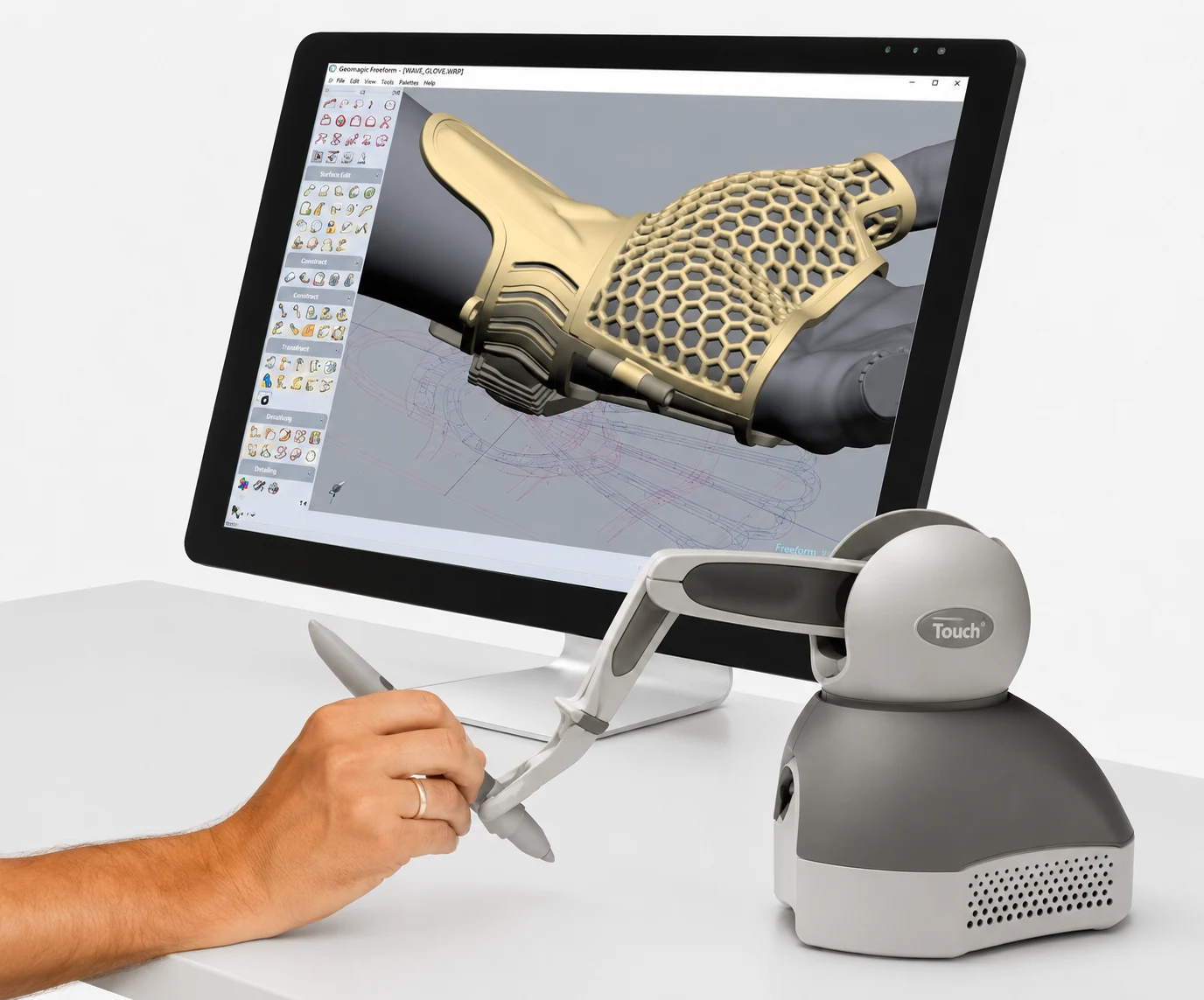
Geomagic Freeform introduces a new way of interacting with your designs through the concept of digital clay. Its haptic interface (a force-feedback robotic arm) lets you sculpt directly in a virtual environment while feeling the shape and resistance, just as with physical modelling.
This tactile experience, combined with a wide range of modelling tools, makes it easier to create detailed organic shapes and to customise models in depth.
The software handles the import and export of 3D data and fits into rapid prototyping, 3D printing, mould-making and product development workflows.
Thanks to its versatility, Geomagic Freeform speeds up the transition from idea to production while preserving great creative freedom.
Specifications
| Specification | Description |
| Type | 3D modelling and design (CAD) and digital sculpting software |
| Fields of application | Industry, product design, medical (orthoses, prostheses, implants and surgical guides, epitheses), research, art |
| Data processed | Import of 3D data from scans and CAD files |
| Compatible formats | Import: OBJ, STL, IGES, STEP, CAD formats – Export: STL, PLY, IGES, STEP |
| Supported operating systems | Windows 10/11 (64-bit) |
| Recommended configuration | i7 processor or equivalent, 16 GB RAM minimum, OpenGL-compatible GPU |
| Key features | Organic sculpting, advanced modelling, surface and texture management, integration with CAD and 3D printing, process guidance and automation |
What features does
Geomagic Freeform offer?
The software offers a wide selection
of dedicated features:
- Advanced sculpting tools for organic sculpting.
- Import and export of multi-format 3D data.
- Management of complex models and the ability to add fine detail.
- Optional haptic interface to physically feel the material.
- Design tools for creating moulds, implants, and artistic or industrial objects.
- Visualisation and digital processing features to prepare files for production.
- Custom-developed modules for guiding and automating design processes.

Medical applications
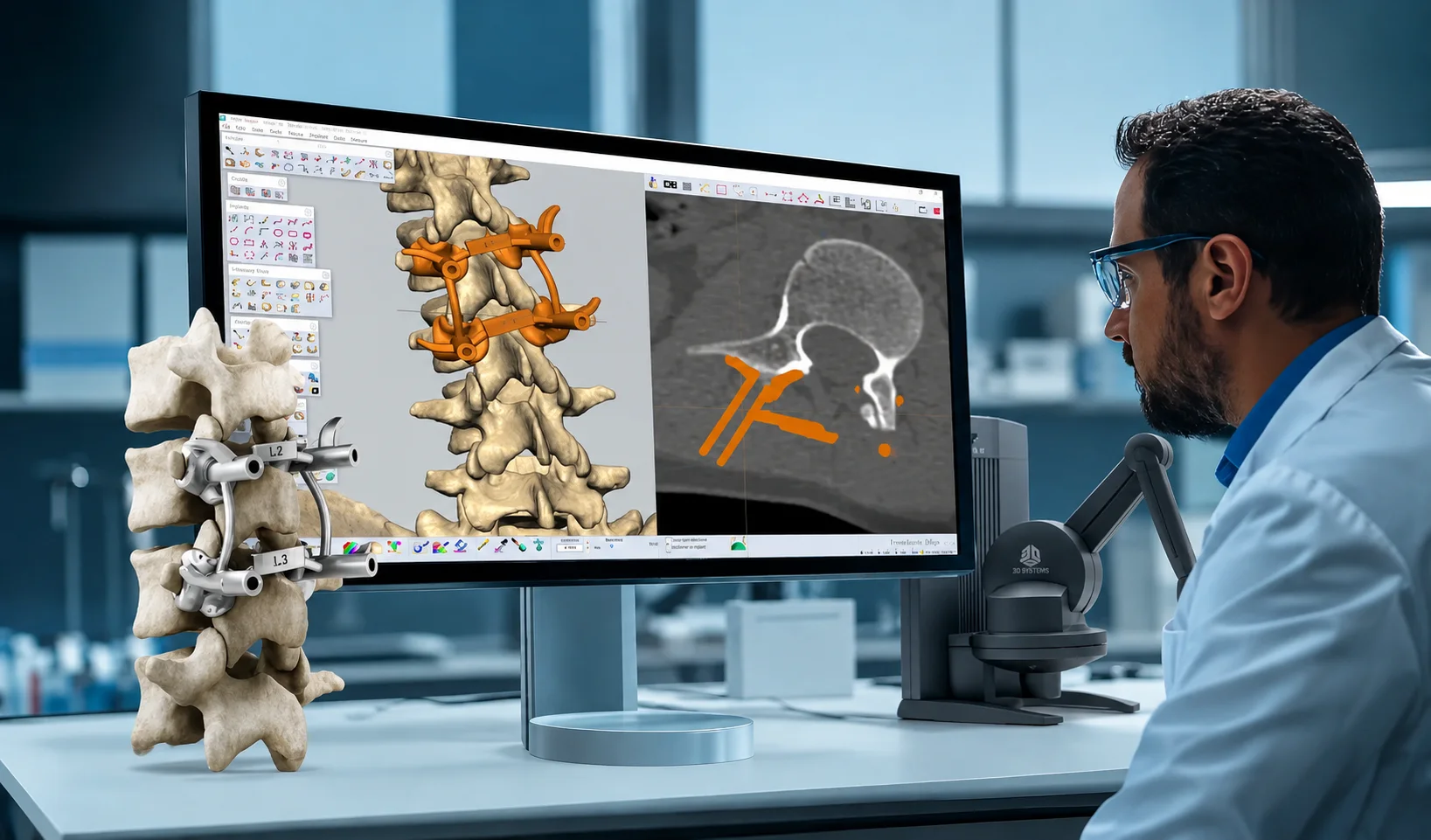
Geomagic Freeform software is particularly well suited to the healthcare sector, where it facilitates organic 3D design and anatomical modelling:

Preoperative planning
Creation of patient-specific models from medical imaging to prepare surgical procedures.

Design of guides and implants
Perfectly suited to the patient’s anatomy and to surgical constraints

Design of prostheses and orthoses
A single piece of software covers the entire design process, from scan clean-up and anatomy correction through to preparing positives for milling or finished devices for 3D printing.

Medical manufacturing
Preparation of files for 3D printing and for the production of custom medical devices.

Research and teaching
Exploration of complex anatomical structures and educational use to train surgeons in new techniques.
How do you use
Geomagic Freeform?
Using it involves several simple,
structured steps:
-
1
Install the software and carry out the initial interface setup.
-
2
Optional: connect the haptic arm (Touch or equivalent), then run the calibration.
-
3
Follow the tutorial or a Geomagic Freeform training course to master the basic commands.
-
4
Use the modelling tools to design, add detail and adjust surfaces.
-
5
Work in 3D sculpting with haptic feedback for a sensation close to real-life modelling.
-
6
Switch to computer-aided design (CAD) to prepare the project for prototyping, 3D printing or manufacturing.
How does Geomagic Freeform
compare with other software?
Geomagic Freeform is often regarded as one of the best 3D software packages for healthcare because it combines CAD, digital sculpting and a haptic interface. Unlike solutions focused on parametric design or conventional design, Geomagic Freeform lets you create complex organic shapes while retaining the precision required for manufacturing.
It also offers tools for optimising and automating design methods, which make it easier to learn as well as to use intensively.
Reviews and user feedback
Feedback highlights how quickly the software can be picked up and the fluidity provided by the optional haptic interface. Professionals particularly appreciate the time saved when customising models, as well as the reliability of the files generated for manufacturing or 3D printing. They also value being able to carry out all the necessary operations within a single software environment.
They trust us







Comprehensive support
for your projects
At Twin 3D, we offer comprehensive support to help you integrate Geomagic Freeform software into your design activities:
Our support includes:
- Installation and configuration of the software, including setup of the haptic device.
- Hands-on training in 3D design, advanced modelling and file preparation for manufacturing.
- Specialist technical support to ensure the reliability of your projects in surgical planning, guide or implant design, and orthosis or prosthesis design.
- Implementation of standardised, automated processes to boost workstation productivity

Book a demonstration
Twin 3D supports healthcare professionals in their medical 3D projects. Speak with an expert and discover our solutions during a demonstration.