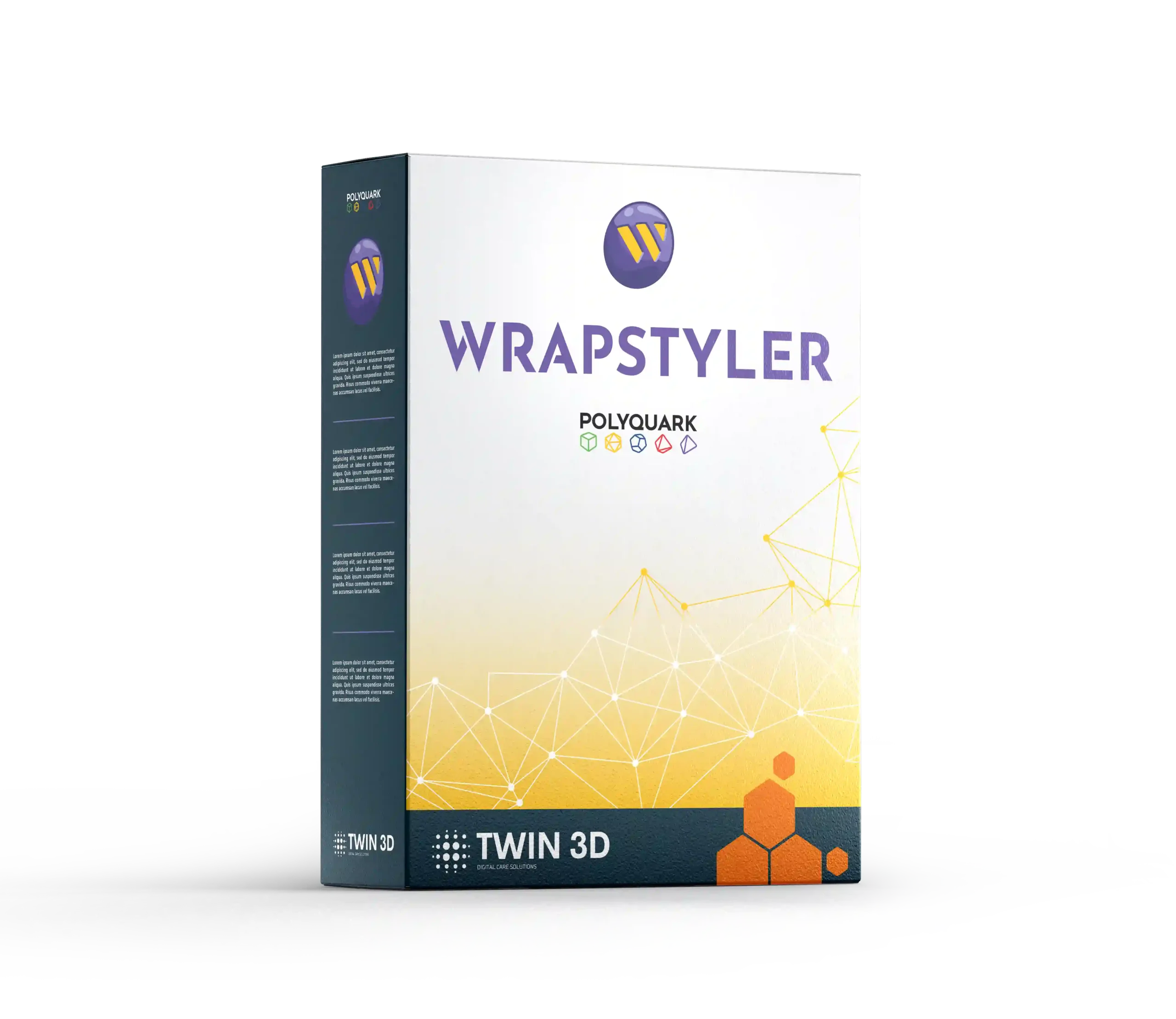
Wrapstyler Software
Wrapstyler is 3D design software developed by Polyquark, specialising in creating custom 2D templates from 3D scans or CAD files. Used in the medical sector, it enables the rapid preparation of patient-specific models for digital manufacturing or 3D printing.
- Creation of precise 2D templates from 3D scans or digital models.
- Smooth, intuitive interface designed to make learning easier.
- Tools tailored to the customisation of medical devices.
- Compatibility with a wide range of materials used in orthopaedics and additive manufacturing.
- Time savings and improved productivity thanks to a streamlined workflow.
Designed for healthcare and design professionals, Wrapstyler generates 2D templates (patterns) from 3D scans or CAD files. These templates are then ready to be used for the upholstery of small and large orthopaedic appliances. It takes into account the constraints of the composite and polymer materials used in orthopaedics, while fitting into the different stages of the digital manufacturing process.
The software simplifies the “flat” unfolding of complex shapes in order to generate perfectly fitted patterns. This feature speeds up the design and customisation of prostheses and positioning orthoses such as seating corsets.
Finally, Wrapstyler integrates with virtual reality workflows, allowing immersive visualisation of models before manufacture and quick validation of choices by designers and clinicians.
Features
| Features | Description |
| Type | 2D template design software |
| Fields of application | Healthcare, orthopaedics, prosthetics, medical devices |
| Data processed | 3D scans, CAD files |
| Compatible formats | Import: OBJ, STL, CAD formats – Export: files suitable for 3D printing and cutting |
| Supported materials | Polymers, composites, technical textiles and medical materials |
| Supported operating systems | Windows 64-bit |
| Key functions | Template generation, customisation, flattening, export for manufacturing |
Main features
The software offers key functionalities for custom medical design:
- Creation of anatomical templates from patient scans or positive moulds (bead bags, foams).
- Adjustment and customisation to suit the patient’s morphology or the mechanical characteristics of the materials used.
- Flattening tools to transform a volume into a usable pattern.
- Direct export to 3D printers or medical manufacturing systems (plotters, cutting tables, etc.)
- Management of CAD formats to integrate into a complete CAD/CAM chain.


Medical applications
Wrapstyler is used in:

The design of custom orthoses and prostheses.

The preparation of made-to-measure medical devices.

The development of specific products in orthopaedics and rehabilitation.

Research and training in digital medical design.
How to use Wrapstyler?
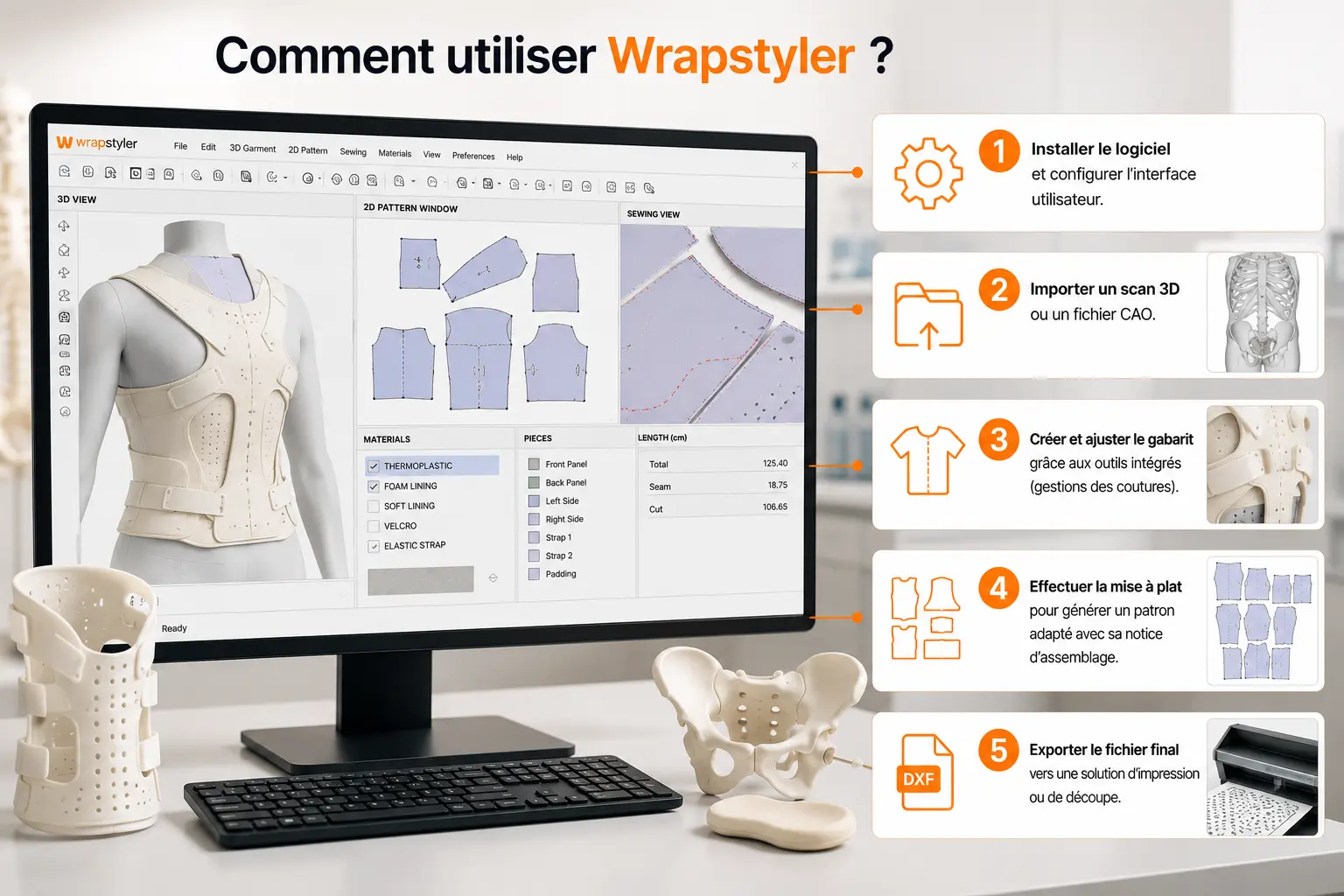
Using the software follows a simple, structured process:
-
1
Install the software and configure the user interface.
-
2
Import a 3D scan or a CAD file.
-
3
Create and adjust the template using the built-in tools (seam management).
-
4
Flatten the model to generate a suitable pattern with its assembly instructions.
-
5
Export the final file to a printing or cutting solution.
Twin 3D supports you
At Twin 3D, we offer:
- Comprehensive training in the use of Wrapstyler software.
- Practical modules dedicated to the generation and customisation of medical templates.
- Specialised technical support for your projects in orthopaedics and medical devices.
Reviews and user feedback
Users highlight the software’s ease of use, the precision of the templates generated, the freedom in seam placement and the time savings in production. In the medical field, Wrapstyler is recognised as a reliable tool that makes device customisation easier and improves team productivity.
FAQ
The software supports a wide range of materials: polymers, composites, technical textiles and medical-grade materials suited to orthoses and prostheses.
Simply import a scan, use the flattening tools to generate a pattern, then export the result to manufacturing software, a 3D printer or any other production machine (plotters, cutting tables, etc.)
Dedicated training courses are available from Twin 3D, offering practical, educational support tailored to the needs of the medical sector.