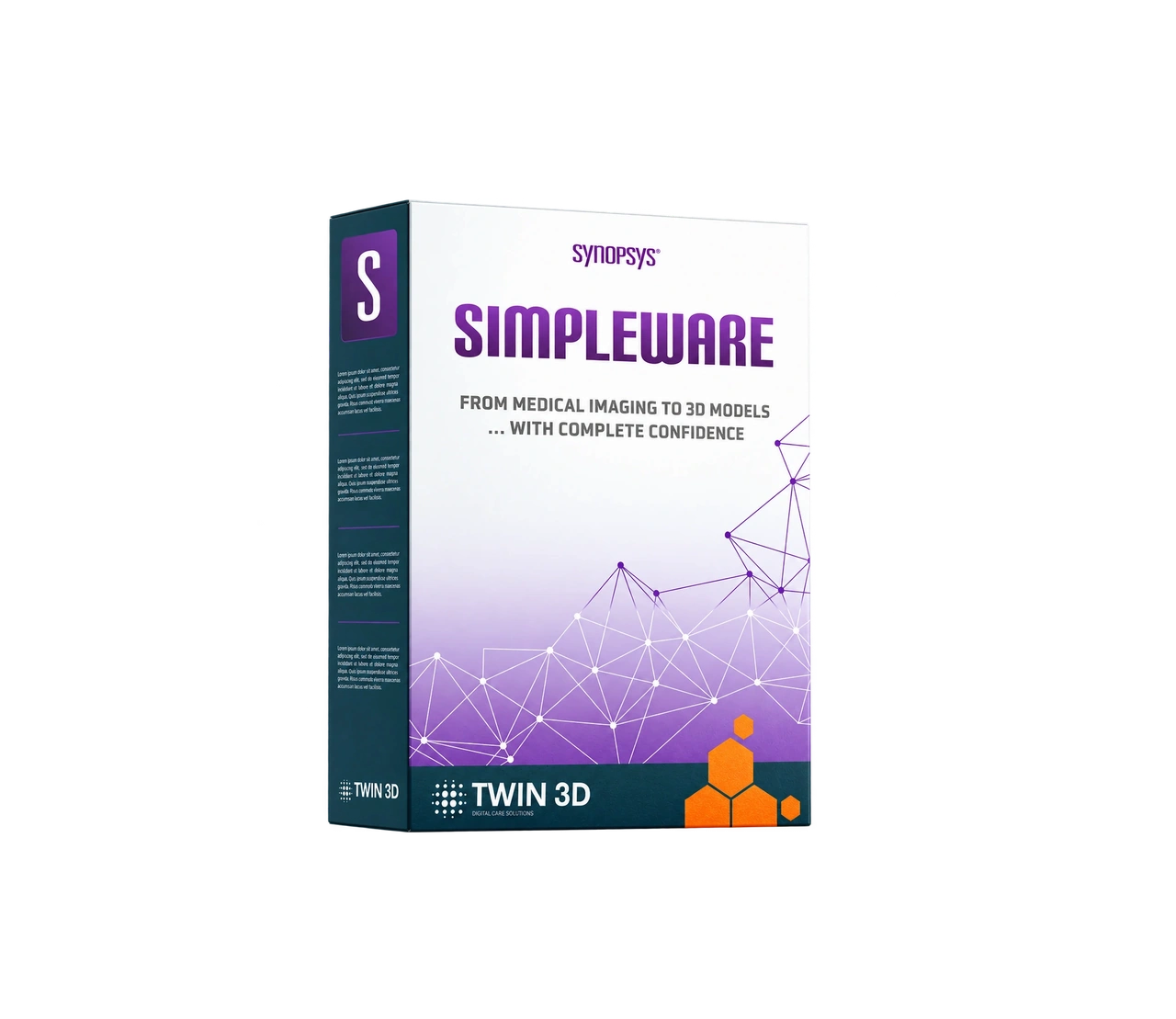
Simpleware software training
By the end of this training, participants will be able to:
- Install, configure and get started with Simpleware software
- Master the user interface, its menus and how to customise it
- Understand the different tools available, their options and their applications
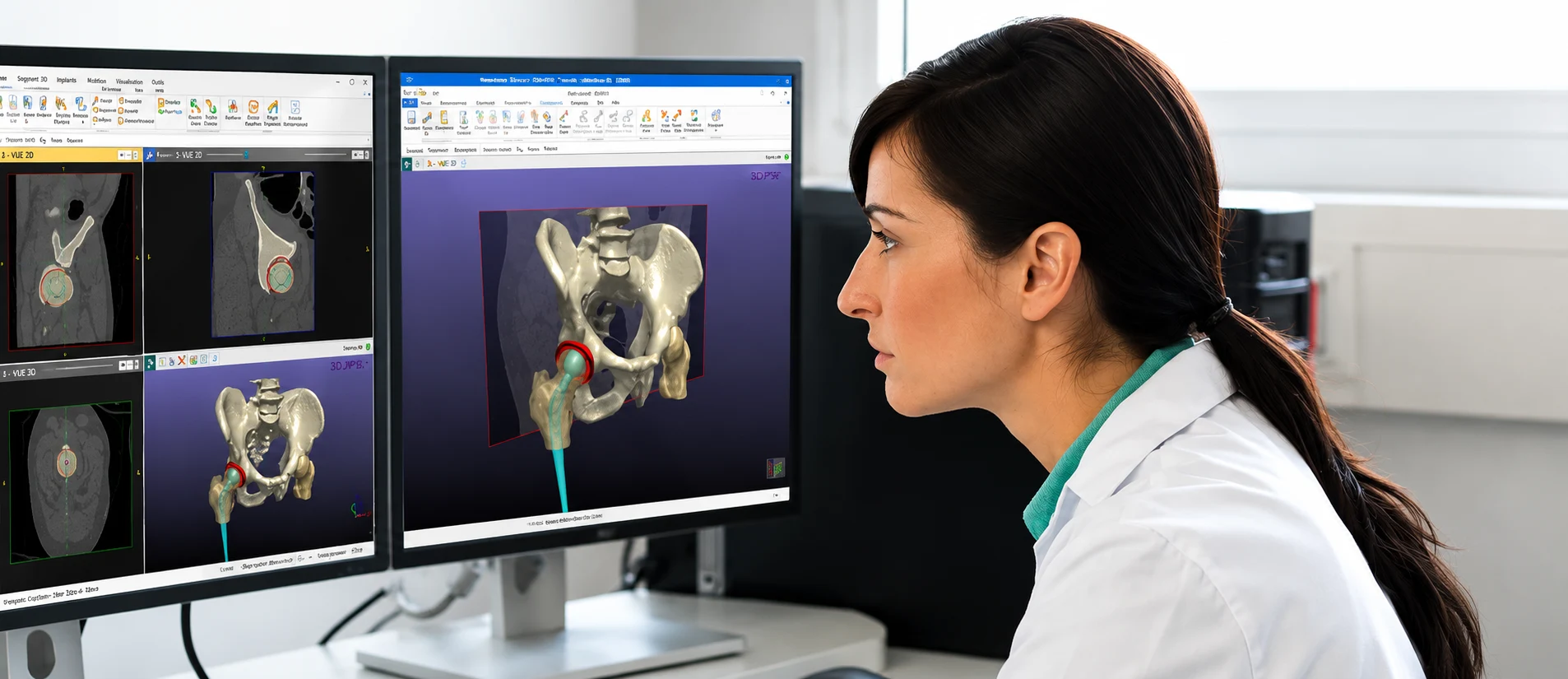
- Segment anatomical regions and export 3D files from imported medical imaging
- Choose and apply best practices to optimise their productivity
- Generate and handle exported files compatible with third-party applications (3D printing, virtual reality, surgical planning tools, simulation or other software)
-

Reference: TW3-XX-XXX
-

Lead time for access to the training: 15 working days
-

Training venue: on site at the client’s premises or remotely in synchronous mode (individual or group virtual classroom).
-

Duration: from 3.5 hours (half a day)
-

Pricing: full course available from €750 excl. VAT. Contact us for a personalised quote.
-

Accessibility: for inter-company training, our training centre is adapted for people with disabilities. Please let us know so that our accessibility officer can support you under the best possible conditions.
Learner profiles:
- New Simpleware user
- Design office or R&D staff
- Biomedical engineer
- Maxillofacial surgeon / Stomatologist / ENT specialist
- Dental surgeon
- Cardiologist
- Radiologist
- Vascular physician / surgeon
- Orthopaedic surgeon
- Person undergoing a career change
The prerequisites for this training are:
- Have a computer equipped with one Simpleware licence per trainee (a workstation is available to hire on request from your Twin 3D training coordinator)
- Familiarity with the Windows environment
Teaching methods and resources
Trainer who is actively working in their field of expertise during the training
The trainer alternates between demonstrative, interrogative and active methods (through practical work and/or role-play scenarios).
Training manager to answer any other questions.
Attendance sheets. The delivery of this training is monitored by an attendance sheet signed by the trainee(s) and the trainer for each half-day.
Oral or written questions (multiple-choice questionnaires)
Practical scenarios
Training evaluation forms
Certificate of completion of the training
Trainees welcomed in a room dedicated to training
Provision of the following technical resources: trainer’s computer running Windows with a valid Simpleware licence
Provision of training materials:</br> Projected training documents</br> Theoretical resources</br> Anonymised clinical cases used during the practical exercises</br> In-class quizzes</br> Online access to supporting documents after the training</br>