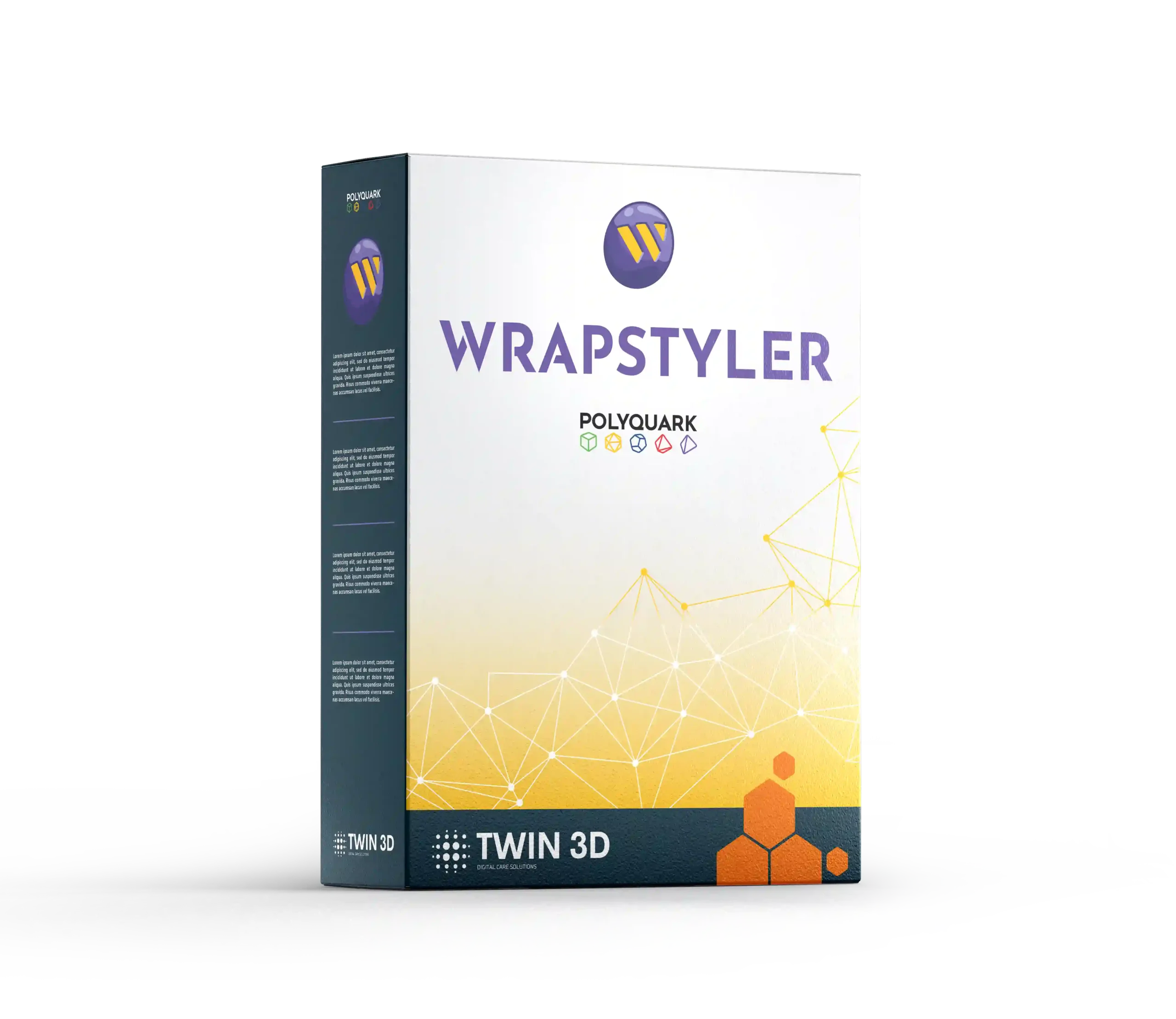
Wrapstyler software training


By the end of this training, participants will be able to:
Install, configure and get started with the Wrapstyler software.


  • Install, configure and get started with the Wrapstyler software
  • Master the user interface and its menus
  • Understand the different features available, their options and their industry applications
  • Create 2D patterns from 3D shapes
  • Adapt the use of Wrapstyler to the field of application and the edition used ([ENTRY], [STANDARD], [PRO] or [IMAGINE])
  • Generate and handle exported files compatible with third-party applications (cutting, textile manufacturing, composites, vehicle wrapping or other CAD software)
  • Reference: T3D - TRAIN - WPS

  • Lead time to start the training: 15 working days

  • Training location: on-site at the client’s premises or remotely in synchronous mode (individual or group virtual classroom).

  • Duration: from 3.5 hours

  • Pricing: Full course available from €750 excl. VAT. Contact us for a personalised quote.

  • Accessibility: Please let us know of any disability so that our training coordinator can support you under the best possible conditions.

3D design software used to model custom medical and surgical devices from a digital model.

Course content


The programme can be adapted to the targeted field of application and the edition used ([ENTRY], [STANDARD], [PRO] or [IMAGINE]).

INTRODUCTION TO WRAPSTYLER CONCEPTS

  • Analysis of the trainees’ needs and expectations
  • Presentation of use cases by industry sector

  • Installing Wrapstyler and activating the licence
  • Preparing 3D files: optimisation, decimation and cleaning
  • Discovering and customising the user interface

USING THE WRAPSTYLER TOOLS

  • Overview of the interface
  • General and project preferences
  • File templates
  • Importing and positioning the 3D object
  • Layer management
    Flattening
  • Positioning the 2D patterns
  • Modifying the heels
  • Export

  • Interface and advanced preferences
  • Using layers
  • CAD tools
  • 3D drawing tools
  • Mesh cutting
  • Mirroring and merging
  • Flattening
  • Positioning the 2D patterns
  • Grainline management
  • Modifying the heels
  • Export (including DXF AAMA format)

  • Advanced CAD tools
  • 3D drawing tools
  • Cutting, mirroring and merging
  • Flattening
  • Positioning the 2D patterns
  • Assemblies and assembly instructions
  • Types of assembly
  • Notches, rules and notch types
  • Automatic heels
  • 2D texturing
  • Grainline management
  • Export


  • All PRO features
  • Projectors and 3D texturing
  • Textured heels
  • Advanced texture management
  • Export to production or visualisation environments

Teaching methods and resources

  • Trainer who is actively working in their field of expertise
  • A mix of demonstrative, questioning and active methods (practical exercises and role-play scenarios)
  • Training manager available for any administrative or organisational questions

  • Online training with screen sharing (Teams, Zoom or the client’s platform)
  • Sending of 3D files, textures and test materials where necessary
  • Video recording of the sessions, made available via FTP
  • Training materials provided at the end of the course

  • Attendance sheets
  • Oral or written questions
  • Practical exercises
  • Role-play scenarios
  • Training evaluation form
  • Certificate of completion of the training

Our other training courses

They trust us

  • Amiens-Picardie University Hospital logo
  • Logo of CHU Caen Normandie
  • GlobalD logo
  • Newclip Technics logo
  • Reha Team Ortho Team logo
  • EPFL logo
  • ForMotion Clinic logo
  • Biotech Dental logo